Queens – AI as teacher assistant

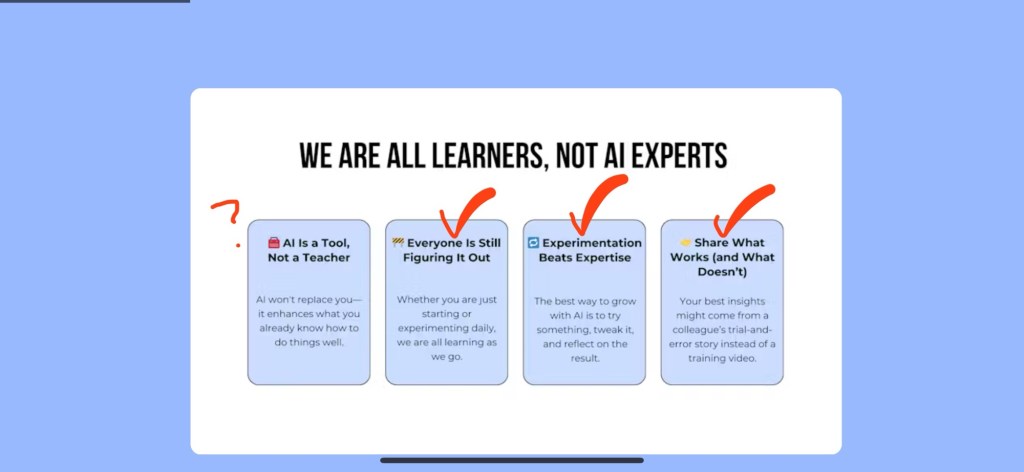
Try * Learn * Share (triangle, not linear)
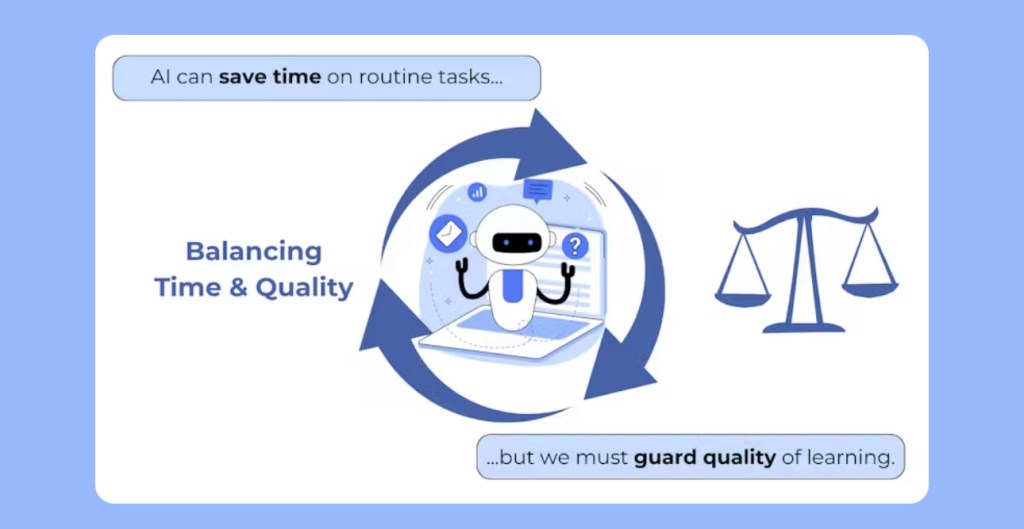

And students should know and be able to identify why they are using AI (and use manners to our future robot overlords

USING AI IN CURRICULUM DESIGN
Automate course overviews and unit plans
Curate & differentiate content (e.g., reading levels, student interests)
Generate scaffolding (e.g., guided questions, checklists)
Put learner first – why using AI with/for them?
STRATEGIES FOR ENHANCING ENGAGEMENT & COLLABORATION
Al-driven discussion prompts and
Socratic questioning Peer-review scaffolds (e.g., rubrics
generated by Al)
Virtual tutors & writing coaches
Prompt generation important – what leads to discussion rather than “yes/no”

LEARN IN A SAFE, LOW-STAKES ENVIRONMENT
Al sandboxes: draft feedback → revise Provide students with a safe place to iterate, create, fail, and learn from
mistakes
Celebrate “failure” as part of learning
Model risk-taking in your own practice
Raspberry Pi
Fun share from an early user of the Pi unit! Early pitch: inexpensive single board computer that could run Linux and you can do stuff with it!
Britain has a history of funding microcomputers
Current screen size devices are nice (and slick) but don’t have as much ability to ‘tinker’ – the pi is easy to see, change, and adapt to be as powerful as ‘you’ want. Even using the components for some ‘others’.
Evolves mindfully – Ethernet vs wifi; price point always around $30; education programs pre-installed, so a synergy between hardware and software to get things started… get to do elements of coding…. And soldering!
Power has evolved… as have knockoffs… but in exploring, the hardware/software synchronicity becomes more ‘important’. The “Pine64” didn’t have the same ‘finished feel’ and the build quality was not as good. So while there are competitions for the Raspberry Pi, they are not as robust…
So many form factors – including one that uses a blackberry keyboard – then a terminal interface; another ready to run BASIC (for us old timers who have familiarity with that language) Build Emulator… Pi5 is pretty good and smaller than a credit card – and can even use different operating systems on SD cards to be very flexible and morph around.
Maybe not fast, but fun with a hacker mindset…!
Eg Python Based Programming: use a Pico (runs python – needs another computer) to build what you want around it…
Hardware constrained? Graphical Programming via Raspberry Pi 0 ($25) low memory…
Higher end one for a more ‘fuller computer experience’ . Here you go – build something/stuff! See you in a month! – but gotta be able to do some troubleshooting ‘live’ – eg is everything fully plugged in?
Bonus: turn it into a web server…
Bonus eg: teaching remote computing/connecting…
Some of the projects that have stood out: a smoke alarm hooked up to a Raspberry Pi that texted him when it went off… good for when you’re not at home… ; scratch programming (on the main pi, not the 02W) – she made paint… in scratch…
Resources: Magpi magazine (huge list of projects to do)
Courses for credit: varied based on students (ADST —> Computers ____)
Giving ‘grades’ ~ definitely trickier… and always a PBL course; frontload some instruction (eg python and hardware) redboarding; soldering;
Now for some further reflection and synthesis while heading to the ferry (reminder: Sunshine Coast – NOT an island! 😇 😎)
 Technolandy
Leave a comment