Day 163 (of 2024/25) National AccessABILITY Week in Canada #naaw2025
Time for an equity scan on able-ism! And can be tricky as some schools were built prior to a focused consideration of inclusion…. Just looking at the physical makeup of many Canadian buildings sees more stairs than ramps; an emerging trend of adding braille to signage; steep ramps; etc
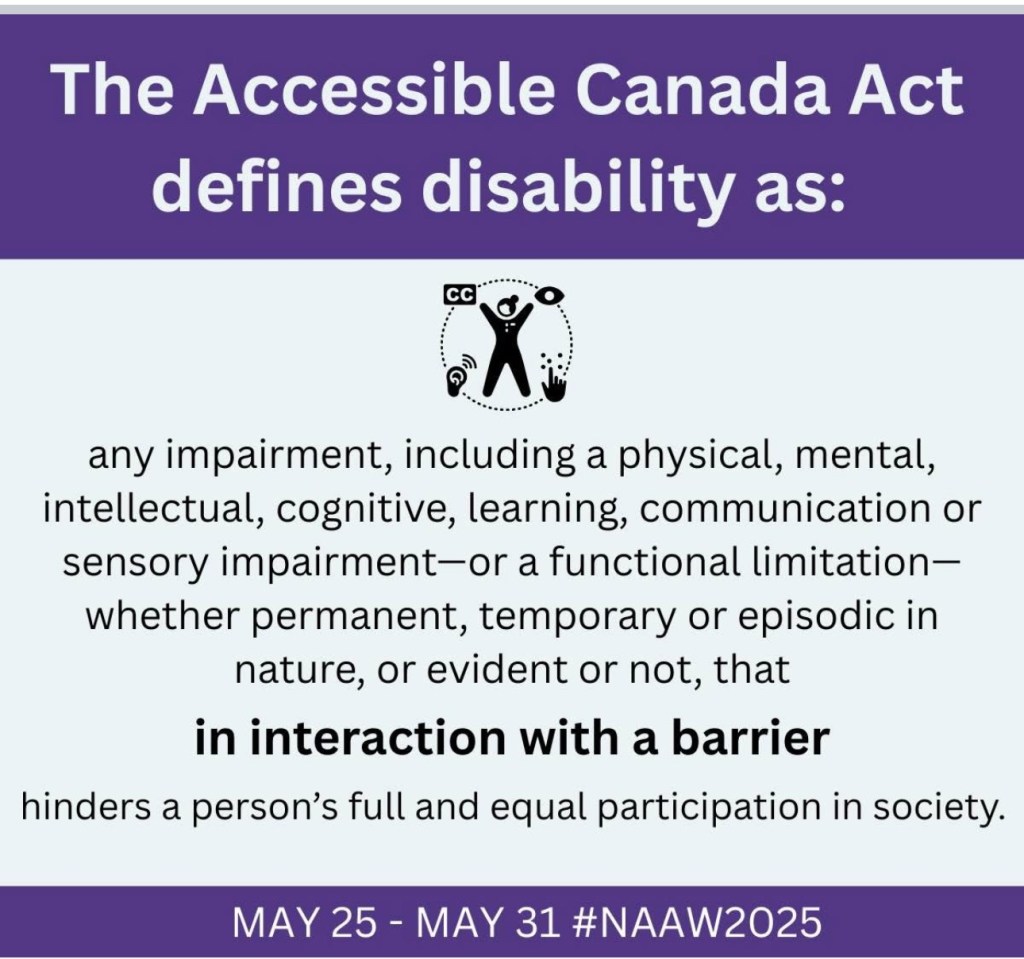
Now, taking time to do a scan does not mean that solutions will be quick and easy – but if you are aware, you will start seeing how not every bathroom is … welcoming… how some lighting conditions (and sound and other sensory connections) can make … the hardest door to go through, the open one (one of my Landy-isms).
And yes, there will be some complaints about “making accommodations”…
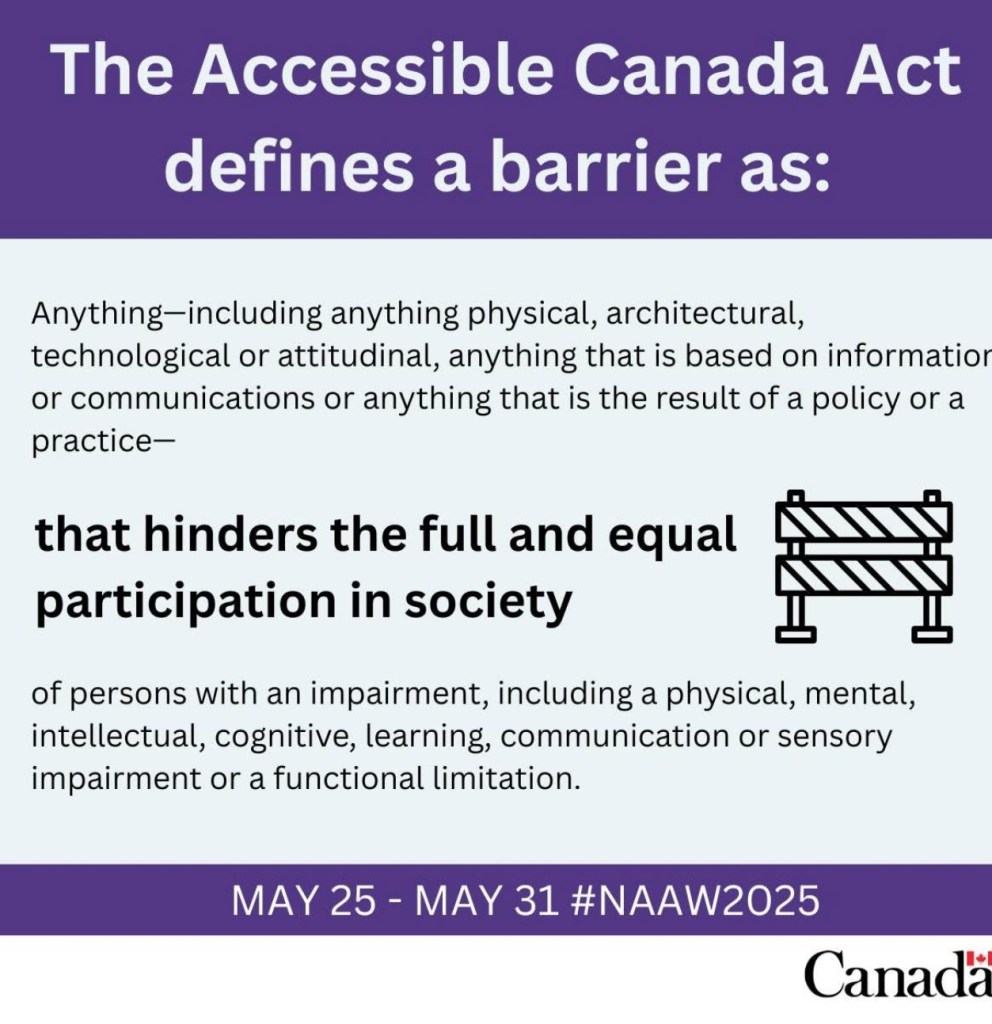
But we are a nation that can lead the way for all – and learn from others as well! And the learning/considering/doing is even going digital – (via Stephanie Cadieux, the Chief Accessibility Officer of Canada):
Identifying, removing, and preventing barriers in Internet and Communications Technology (ICT) is one of the Accessible Canada Act’s 7 priority areas. So much of life happens online now (applying for jobs, shopping, banking, socializing, planning travel, learning), it’s important that everyone be included. Today, we’re celebrating the 14th annual Global Accessibility Awareness Day, or #GAAD. It’s all about getting everyone talking, thinking and learning about digital access and inclusion.
Common digital accessibility issues include lack of alternative text for those who use screen readers, lack of captioning on video, lack of alternative formats, low contrast content, cluttered screens, lack of plain language, and lack of navigational options.
More than 1 billion people worldwide live with one or more disabilities, and most of us will acquire a disability at some point in our lives, be it permanent, temporary, or episodic. Accessibility is everyone’s business and it benefits everyone.
How do you incorporate digital accessibility into your work?
One of the small steps I do is often using Comic Sans. While it is a meme…
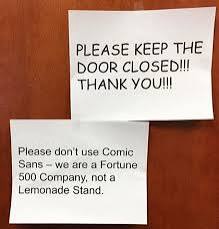
Comic Sans is actually a font that is very helpful for those working with dyslexia. If I could, I would also use blue font more regularly as that also helps the eye/brain connection.
It’s not always about getting things perfect – it’s doing the best you know how to do, until you know better! Do better each day. And do an accessibility scan around your classroom/school/district to see what barriers may be hindering participation…!
Specific Accessibility Challenges:
- Physical Accessibility: This includes issues like inadequate ramps, elevators, accessible bathrooms, and transportation to and from school, making it difficult for students with mobility impairments to navigate the school environment.
- Digital Accessibility: Many schools struggle with ensuring that digital materials, including websites, online learning platforms, and multimedia content, are accessible to students with visual, hearing, or cognitive impairments. This can include a lack of closed captions, alternative text for images, and assistive technology compatibility.
- Communication and Instruction: Students with disabilities may face communication barriers due to inaccessible communication methods and a lack of training among educators on how to support students with diverse needs.
- Attitudinal Barriers: Negative attitudes towards disability, lack of awareness among educators and staff, and systemic barriers can create an environment that is not inclusive and welcoming for all students.
- Lack of Accessible Resources: Students may struggle to access materials in accessible formats, including textbooks, online resources, and other educational materials.
Addressing Accessibility Issues:
- Universal Design: Implementing universal design principles in building design and instruction can help create environments that are accessible to a wider range of learners. Don’t design activities where you know someone cannot take part.
- Assistive Technologies: Providing access to assistive technologies, such as screen readers, text-to-speech software, and alternative input devices, can help students with disabilities overcome technological barriers.
- Training and Education: Educators and staff need training on disability awareness, inclusive teaching practices, and how to effectively utilize assistive technologies to support students with diverse needs.
- Collaboration and Communication: Schools should foster collaboration between educators, disability services, parents, and students to develop individualized support plans and address accessibility needs.
- Monitoring and Evaluation: Regularly evaluating accessibility practices and gathering feedback from students and families is essential to identify areas for improvement and ensure that accessibility is a continuous focus
I am glad to have an operations department that is open to discussions that come from our equity scans (it is part of this months Joint Operation Health and Safety meeting) and knows that there are still many improvements that are identified and targeted
 Technolandy
Leave a comment