Day 13 (of 2025/26) #tEChursdAI look at gamma.app
NOT SPONSORED
I clarify that because I do not often go out of my way to highlight a tool… but as I am sharing thoughts and tools related to AI on Tech focused Thursdays (thus T(ec)hursd-AI) I have often been asked which tool might be good to start with. Assuming we are going a bit more specific than AI language models and stating to explore some of the more specialized content creating collaboration resources…
And not everybody has time to dive into Presentation Zen (though they should – and I’m surprised I haven’t blogged about Garr Reynolds work before…) The encouragement to rethink and focus on the blend of art and communication that can be a slide presentation (PowerPoint if you must, but tools like keynote are much more graceful with imagery, and Garr Reynolds has bold thoughts and shares about using space in such a presentation/communication model.
But sometimes getting started can be tricky. Sometimes the message can overwhelm the medium – especially when whole paragraphs are put onto the format… and then read verbatim…
Some of us like crafting the slides… but there are times when a bit of help can be useful, or when you might get stuck and you don’t want to bug-a-friend for some thoughts and input… those are two great reasons to check out gamma.app – a tool I have used recently to create my slides for our hybrid D&D club – because I have at least one player online at any given session, I want us all to have the same image to model using our imagination to create a picture of the DMs descriptions… which is me… but the ‘good artist gene’ skipped my generation (jealous of what my dad used to do and what 3/3 kids can currently create) and do not want to break copyright any more than I have to when using images from the internet…
So I started thinking about how to best highlight how gamma.app can be used by learners, and then realized that the collaborator would probably be better at it than I am… so instead: I am modelling the likely best job of the future: asking decent questions
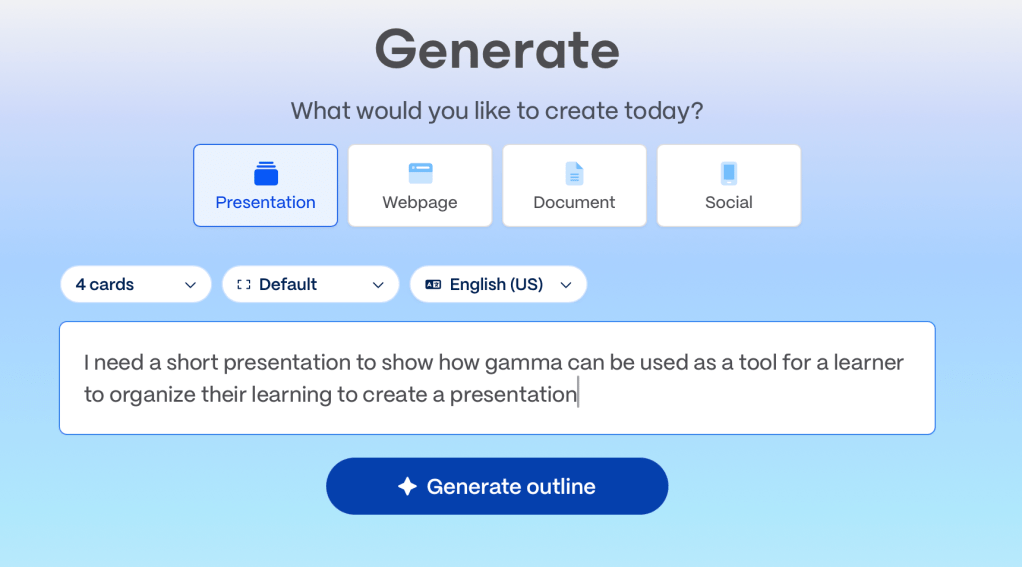
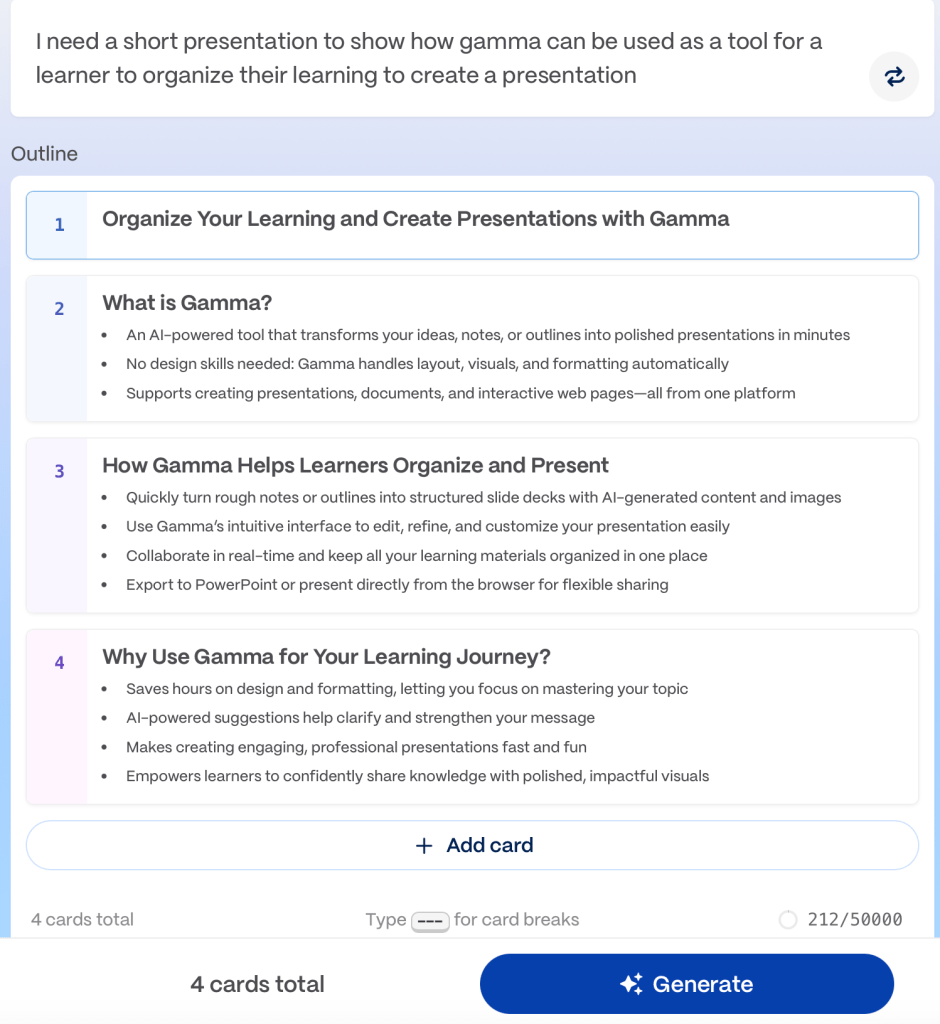

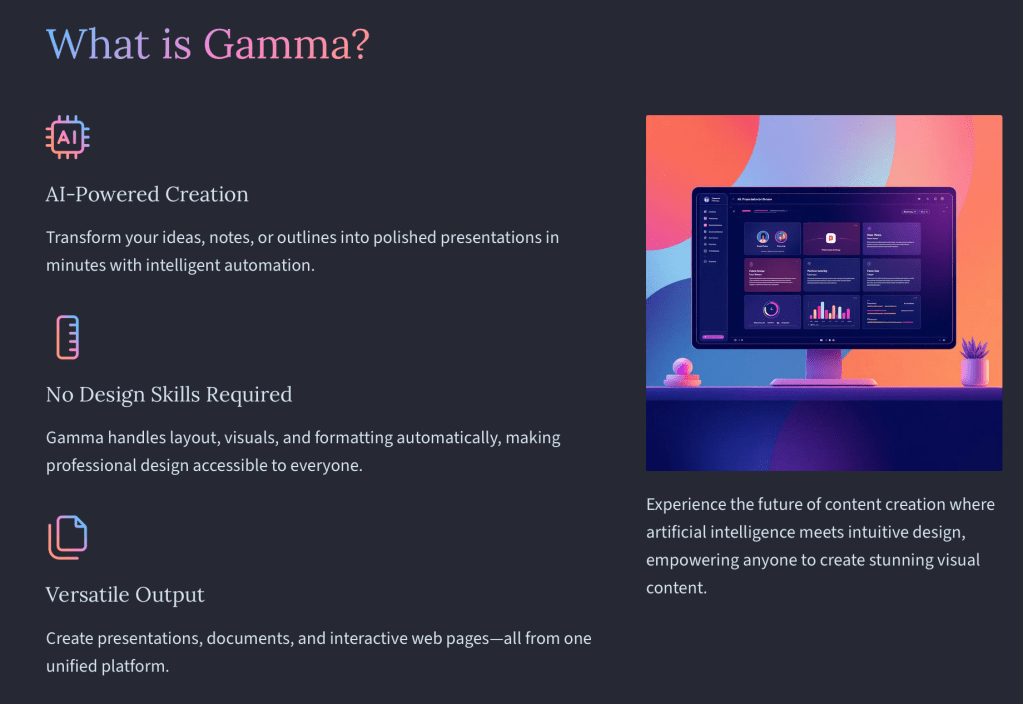
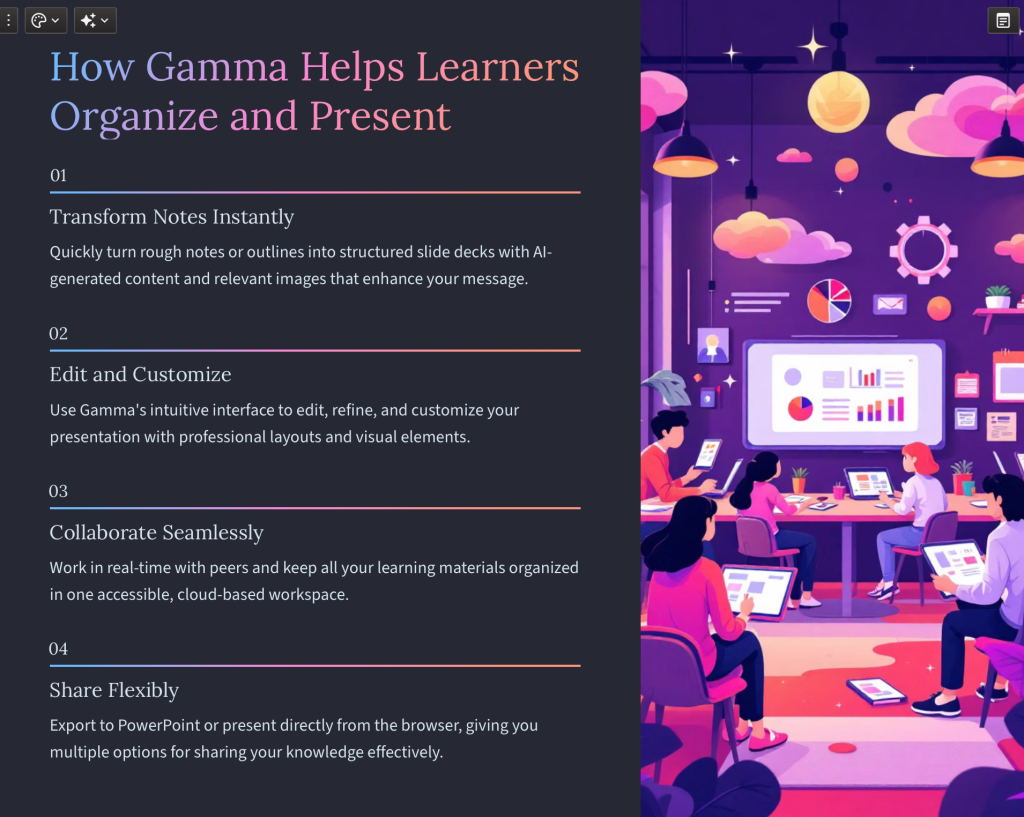
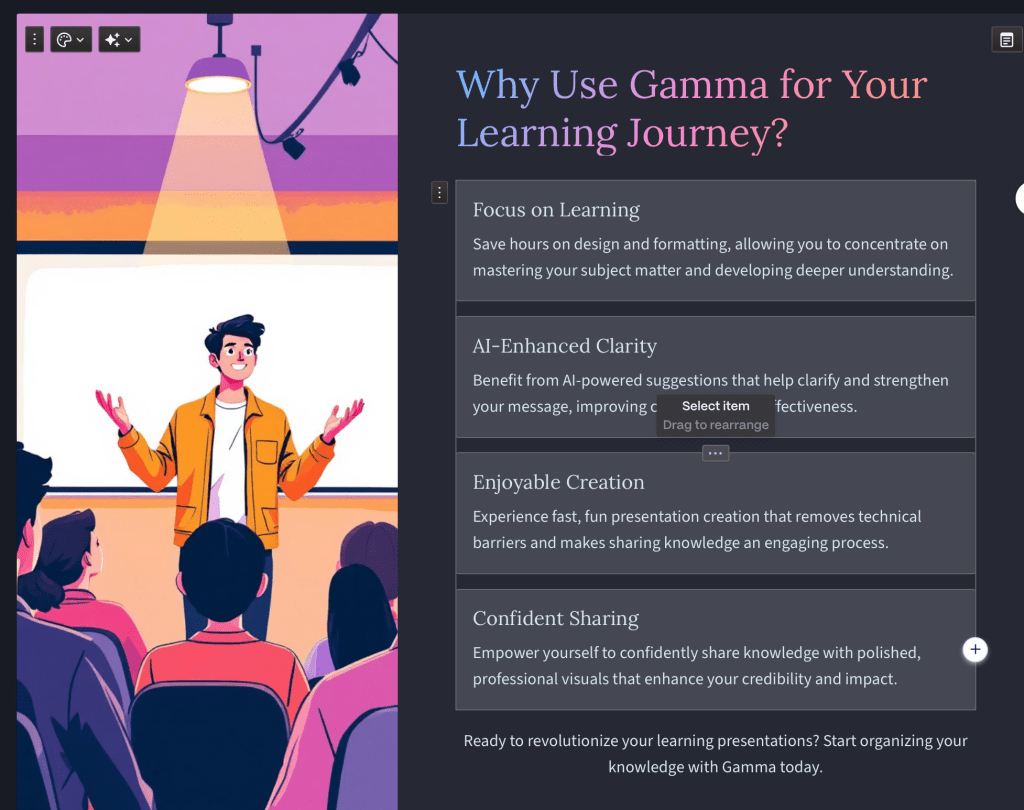
Now, for some of us, the fun begins as we now can edit and add our voice and personality to the task… ideally – fewer words (best ppt I ever saw was a grade 4 kid who showed the life cycle of salmon without any words (back then , the rubric said ‘description words’) but class feedback agreed with my inner thoughts: it did not meet the criteria of the rubric… but exceeded it because of that – which led to one of my favourite PBL warmup activities: explain to me which endangered animal should be focused on preserving – and why – and how. You are allowed 10 words… choose them wisely.
And yes = sometimes I just need a quick presentation for sharing, like today and when the point is to highlight AI as a collaborator rather than a ‘cheating tool’ – here is an example – the power is in asking good queries and then editing follow-ups (I did not like the first iteration… like Google, sometimes don’t go with the first result provided… our future robot overlords like to help us… they don’t mind edits (and neither should we).
Great tool that I have been happy to get 👍 from others who tried it out! Lean in and collaborate-ai-te!
 Technolandy
Leave a comment